Org Chart UI improvements
We've made some improvements to the Sage Org Chart. The updated experience is available behind a toggle that you can enable from the HCM Configure page.
-
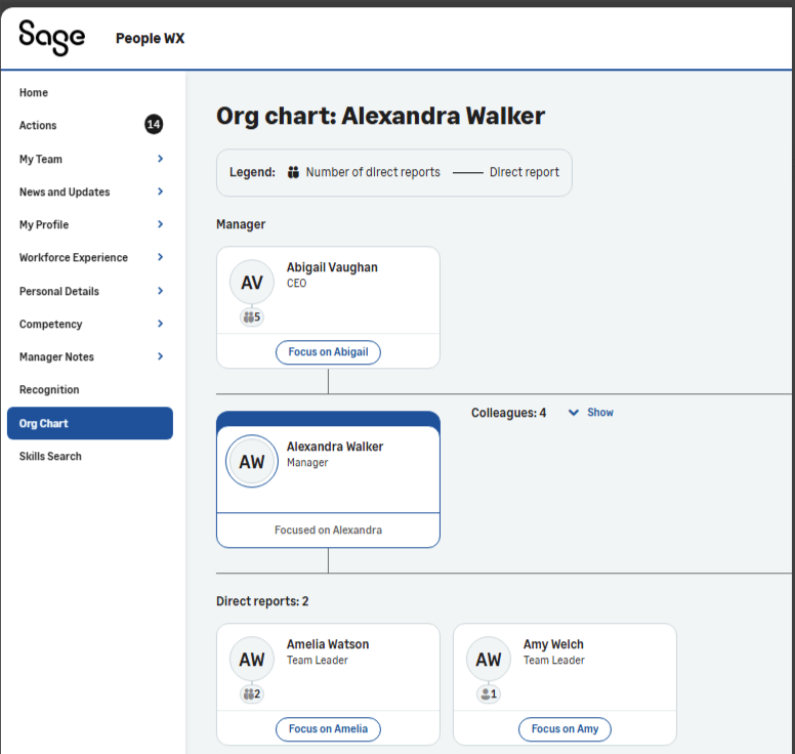
You can Focus on any team member in your organization. The Org Chart now displays all team members rather that the previous limit of 10 direct reports only
-
The Org Chart now displays your manager, yourself, and your direct reports in a tree view
-
Your own profile displays in a highlighted card
-
The display shows a counter of colleagues and direct reports
-
Team member cards show the name and job title of each person
-
Team member cards display a profile picture, or the person's initials where no profile picture is available
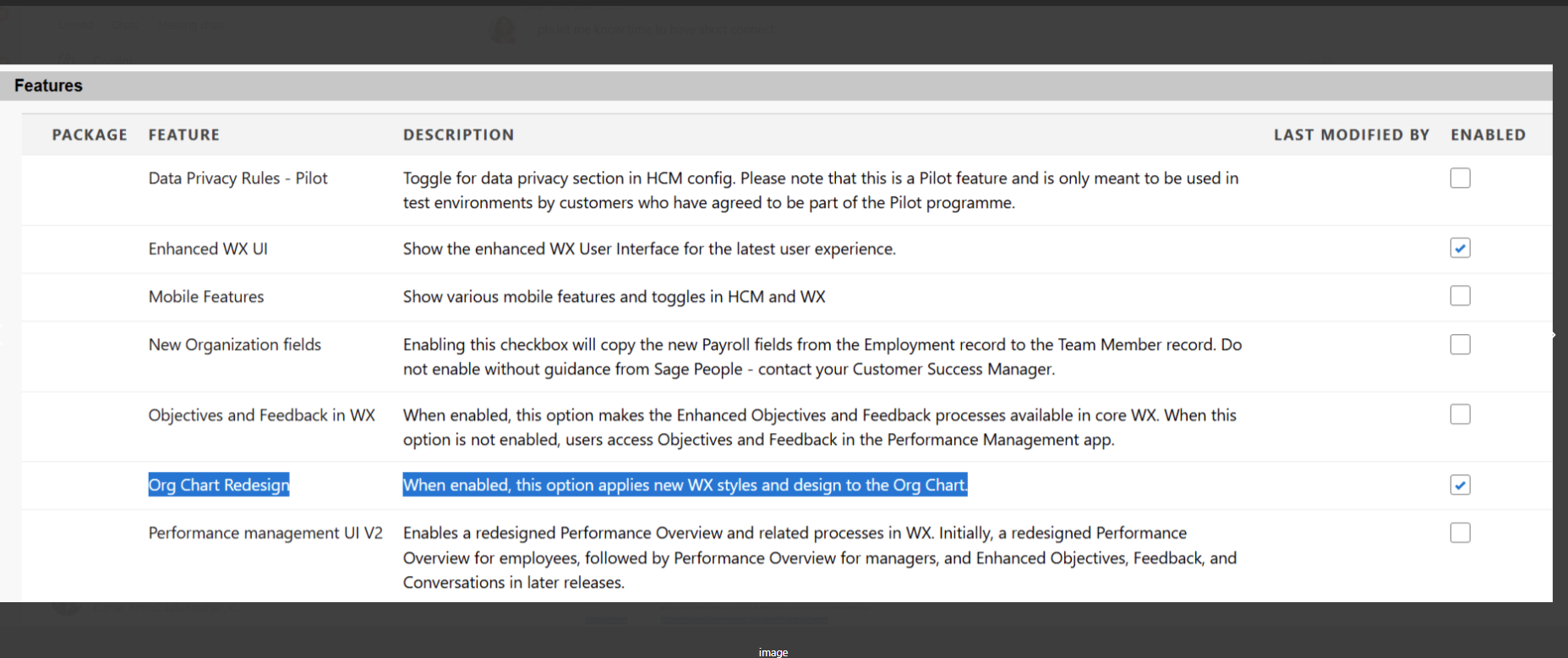
Enable the Org Chart Redesign toggle
-
Go to Setup and select Installed Packages.
-
Select Sage People Human Capital Management and go to Configuration.
-
Go to the Features section and select theOrg Chart Redesign option.
-
Click Save.