WX- Accessible manager navigation
The Sage Y26.1 release brings a new navigation experience for managers. These changes are part of our ongoing commitment to improving accessibility and usability.
The update improves keyboard navigation and usage. This makes it more intuitive and reliable for a wider range of users. Managers can move more easily between sections with smoother access to direct reports.
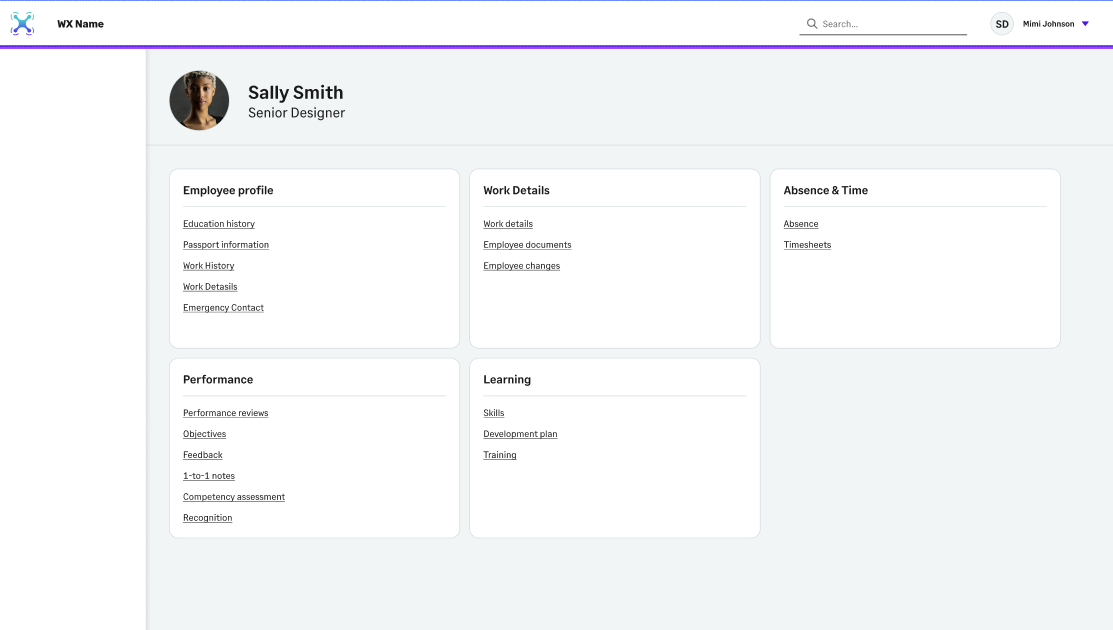
We've replaced the previous tab interaction with a clearer, card-based layout. The page now lists WX services as cards. Each card listing the full processes you've configured for that service.
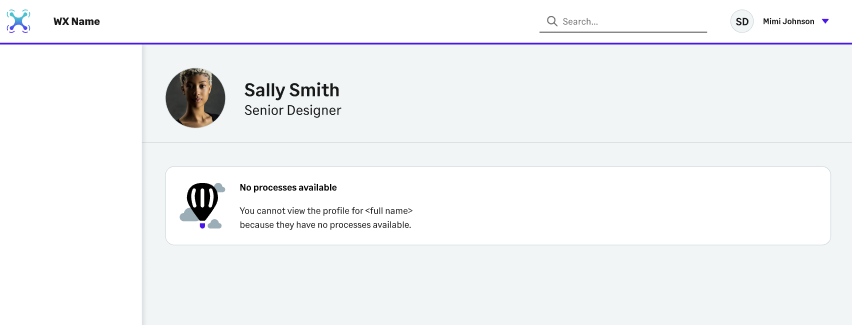
When viewing a team member for whom you have no access to processes, you'll see a message saying No processes available.
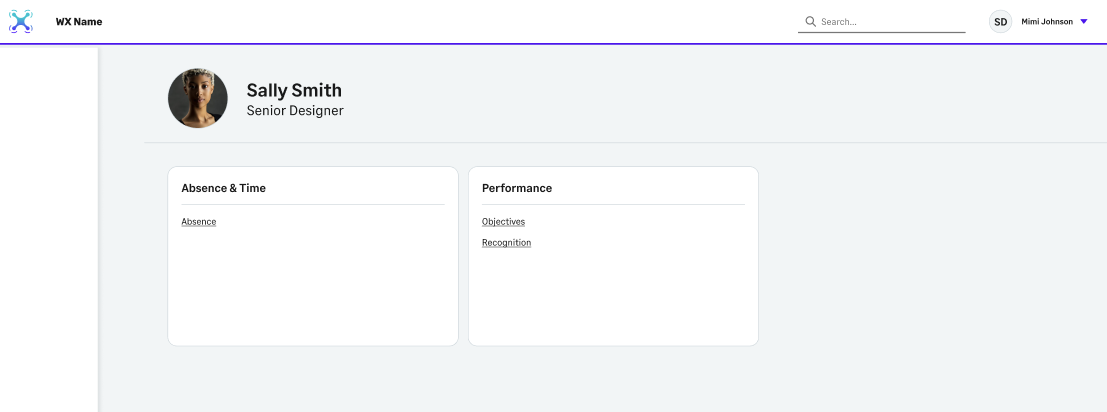
If you aren't the team member's manager but have access to some of their processes, these will show on the service cards.
For direct reports, the service cards list all the processes you've configured.