Configuring a Payflow service
Select Configure on the service console page to open the Sage People Payroll Configure page.
The Payroll Configure page for your Payflow service provides a summary of the various elements of the service. At the top of the page, select Cancel to return to the service console page. You can also Edit the service or Export the service.
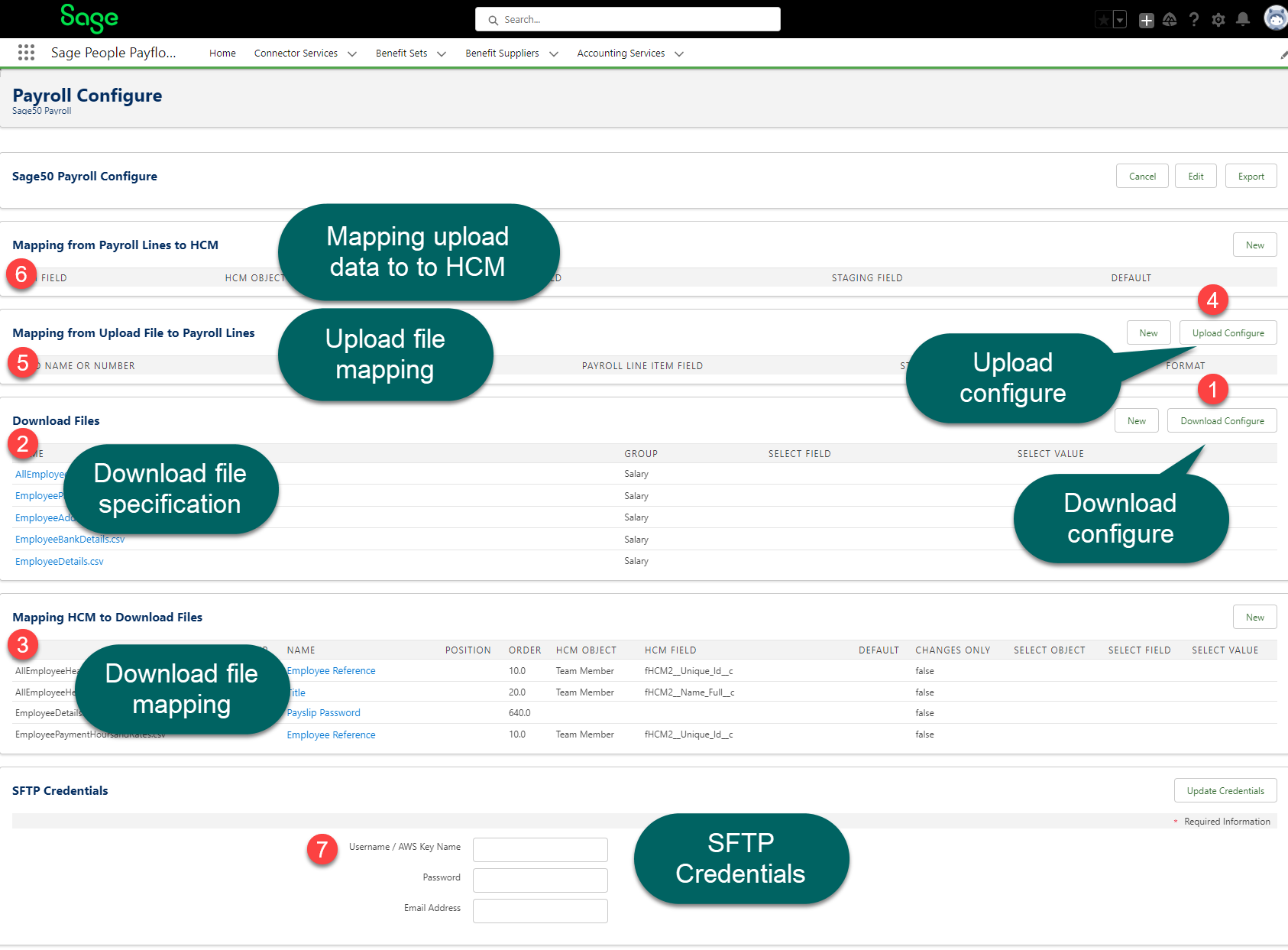
Download configuration
Use the Download Configure button to set the configuration options and settings. You'll use these to format and provide the download file to the third-party provider.
The download file specification for your service defines the format of one or more download files. You'll use these to export Sage People data to the third-party system.
3. Mapping HCM to Download Files.
Before you can export data from Sage People HCM to a download file, define a mapping. Do this between the fields in the HCM data objects and the fields in your file.
Upload configuration
Use the Upload Configure button to set the configuration options and settings for retrieving and saving the uploaded file the third-party provider retrieves.
5. Mapping from Upload File to Payroll Lines.
The Payroll Line object and the Inbound Staging Line object can both act as an intermediary between an imported data file and a Payflow Batch. Or between the imported file and Sage People HCM objects. “Both objects enable synchronization of Sage data with one or more external sources.
6. Mapping from Payroll Lines to HCM.
You can use the Payroll Line object as an intermediary between an imported upload file the third-party system retrieves, and Sage People HCM. To do this, you must map each Payroll Line field to a field on HCM objects.
SFTP Credentials
Use the SFTP Credentials section to add the authentication details you'll use to connect to the SFTP provider (or AWS service). This will store the upload or download files for this Payflow service.
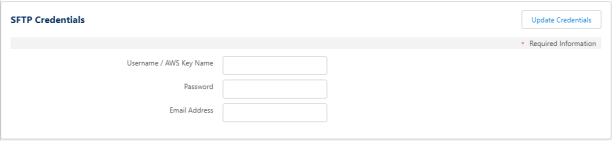
If you've received these details from your Sage People account manager or implementation partner, enter them here. Select Update Credentials.