Install the Salesforce Data Loader
Learn how to install the Salesforce Data Loader in Sage People.
The Salesforce Data Loader requires Java Runtime Environment (JRE). You need to download and install JRE separately before you can install the Salesforce Data Loader. Salesforce help provides more information about the system and JRE version requirements.
Resolution
-
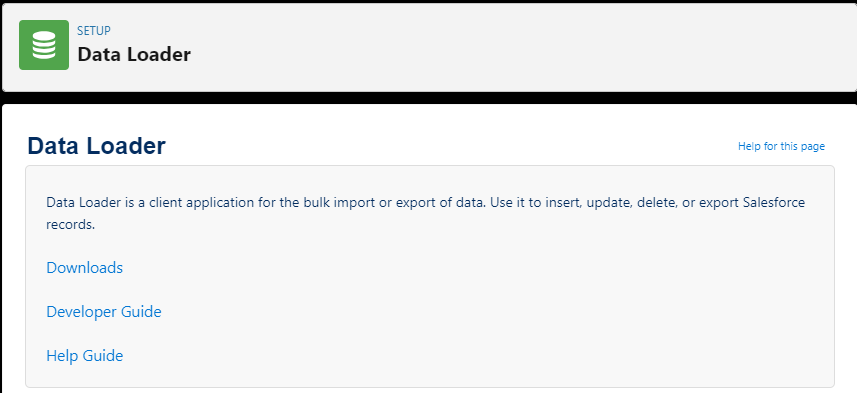
Go to Setup. In Quick Find, enter data loader, then select Data Loader from the search results.
Salesforce displays the Data Loader Setup page.
-
Select Downloads.
If you see the Confirm Redirect? dialog, select Confirm.

From the Salesforce Data Loader page, select the download link. Then follow your browser prompts to download the installer.
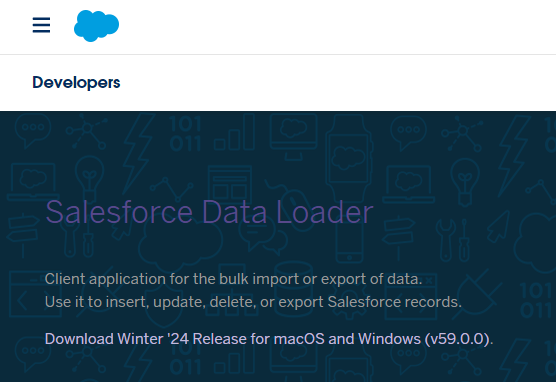
Salesforce downloads the Data Loader in a zip archive named
dataloader_v<version number>.zip. -
Go to the folder where you saved the installer download, and extract the files.
-
Run the installer file:
-
On a Windows system, run:
install.bat -
On a Mac system, run
installer.command
The installer starts by checking for JRE.
-
-
Follow the on-screen instructions in the command prompt to install the package on a client machine.
-
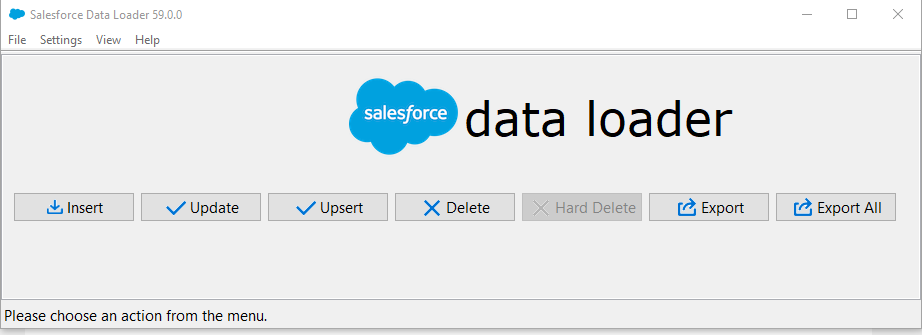
Open the Salesforce Data Loader.
-
Select Settings and then Settings to display package default settings. Check that the defaults are appropriate for your organization.
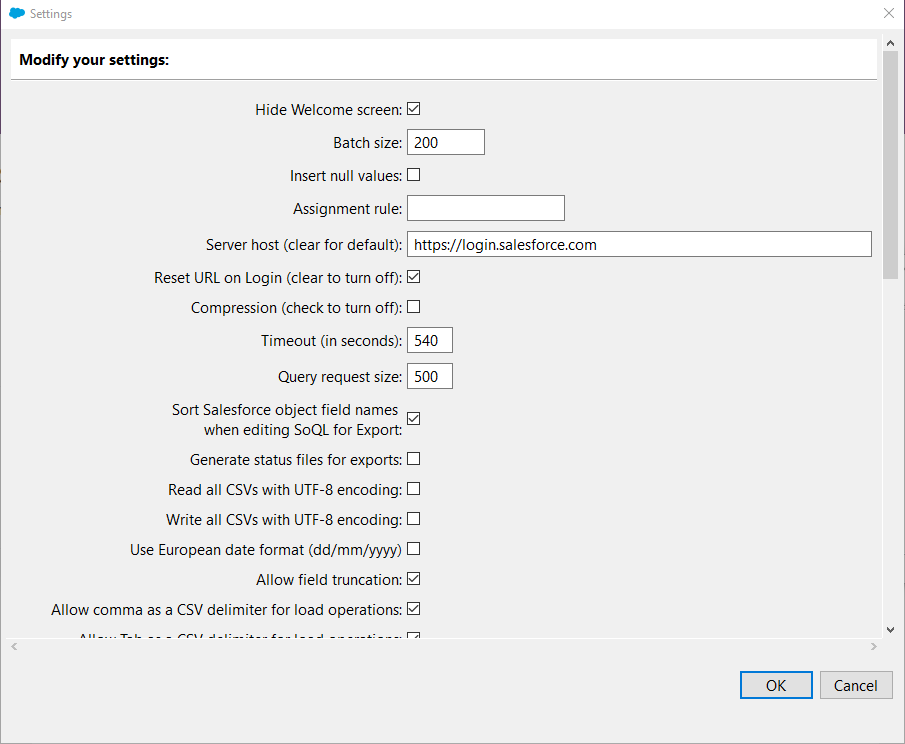
If you're unsure of the settings to use, start with the default settings. You can change them later if necessary.
-
When you're satisfied that the settings are as you want them, select OK.
The Salesforce Data Loader displays the standard Welcome screen.
You're now ready to use the Salesforce Data Loader.