HR Assistant troubleshooting
Important This content is part of the Sage HR Assistant Early Adopter release. If we haven't contacted you to be part of this program, refer to future release information.
Date and numerical calculations
The HR Assistant reliably retrieves date values you hold in Sage People records and policy documents. It's less reliable when you ask it to calculate or compare dates. For example, the number of months remaining before a document expires, or if a future date falls within a required validity window. Passport, visa, right-to-work, and similar use cases depend heavily on such calculations. Because of this, we recommend you confirm any date interval or eligibility conclusion against the source record before acting on it. Sage continues to improve date handling in this area.
The table below shows error messages you can see and the common causes in Sage HR Assistant.
| Error message | Common cause |
|---|---|
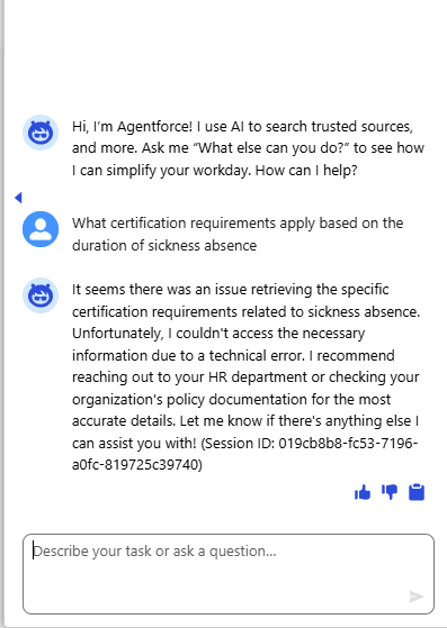
|
This error can indicate you haven't followed the library naming structure. |
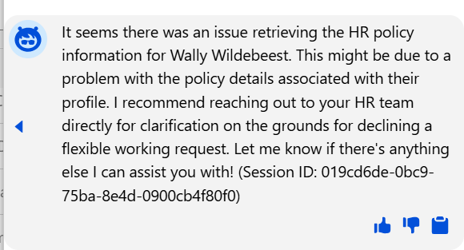
|
This error can indicate you haven't linked the employee to a library. Check the custom meta data you set up for that person's policy. |
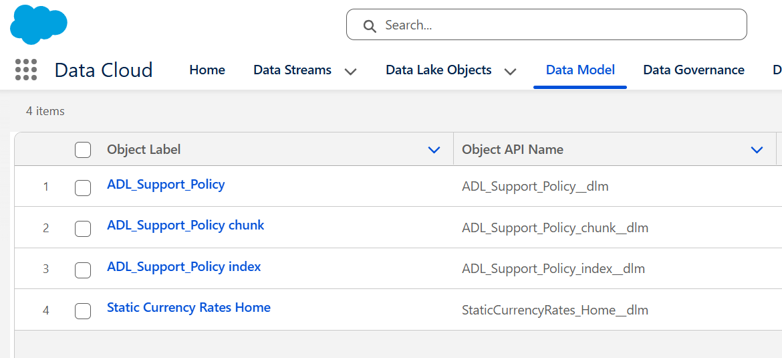
|
When you set up the custom meta data, you need to see these entries in the Data Model screens after creating the library. If you don't, you need to upload something to the library first. Once you load this, the system creates these entries and you can continue to set up the custom metadata. |
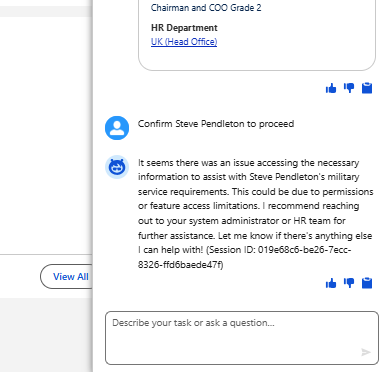
|
When interacting with HR Assistant, this error can indicate you haven't assigned the correct permission sets to the HR manager using the system. Check the Data Cloud User permission set. |
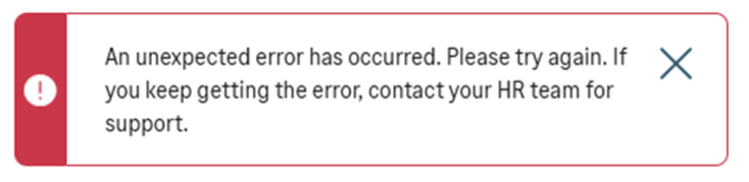
|
You can see this error when trying to draft an objective using AI. It indicates you haven't assigned the Prompt Template User permission set to the user. |