The Agency Portal lets recruitment agencies enter and submit candidate details for vacancies you hold on your Sage People Talent Acquisition system. The system associates candidates they submit through the Portal with the recruiting agency’s details. The Agency Portal is a web address holding a form for the agency to complete and submit. A Salesforce site enables this. You can add formatted text and Images to your Agency Portal pages using the Recruit Noticeboard.
To increase security Agency Portal links were extended with the Sage People Poseidon Release (23.01) in June 2018.
When a member of Agency staff uses a link to their Agency Portal:
-
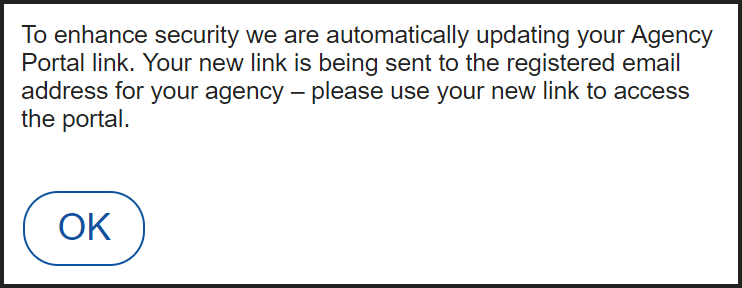
A message is displayed on the Portal:
-
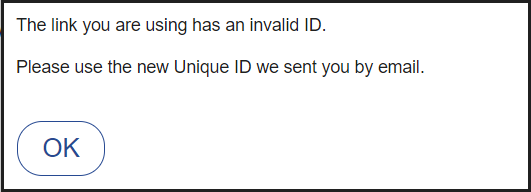
Any other users currently logged in to the Portal using the old link are logged out and a message is displayed:
-
All subsequent attempts to connect to the Agency Portal must use the new link. Attempting to connect with the old link displays a message:
-
A new Task entry is added to the Activity History Related List on the Agency Detail page:

Select the Subject to display the Task Detail page, including the recipient email address at the Agency.